
- HOME
- Column・Blog
- Overseas Internet
- Pocket WiFi vs eSIM vs SIM in South Korea (2026): Which Is Best for Travelers?
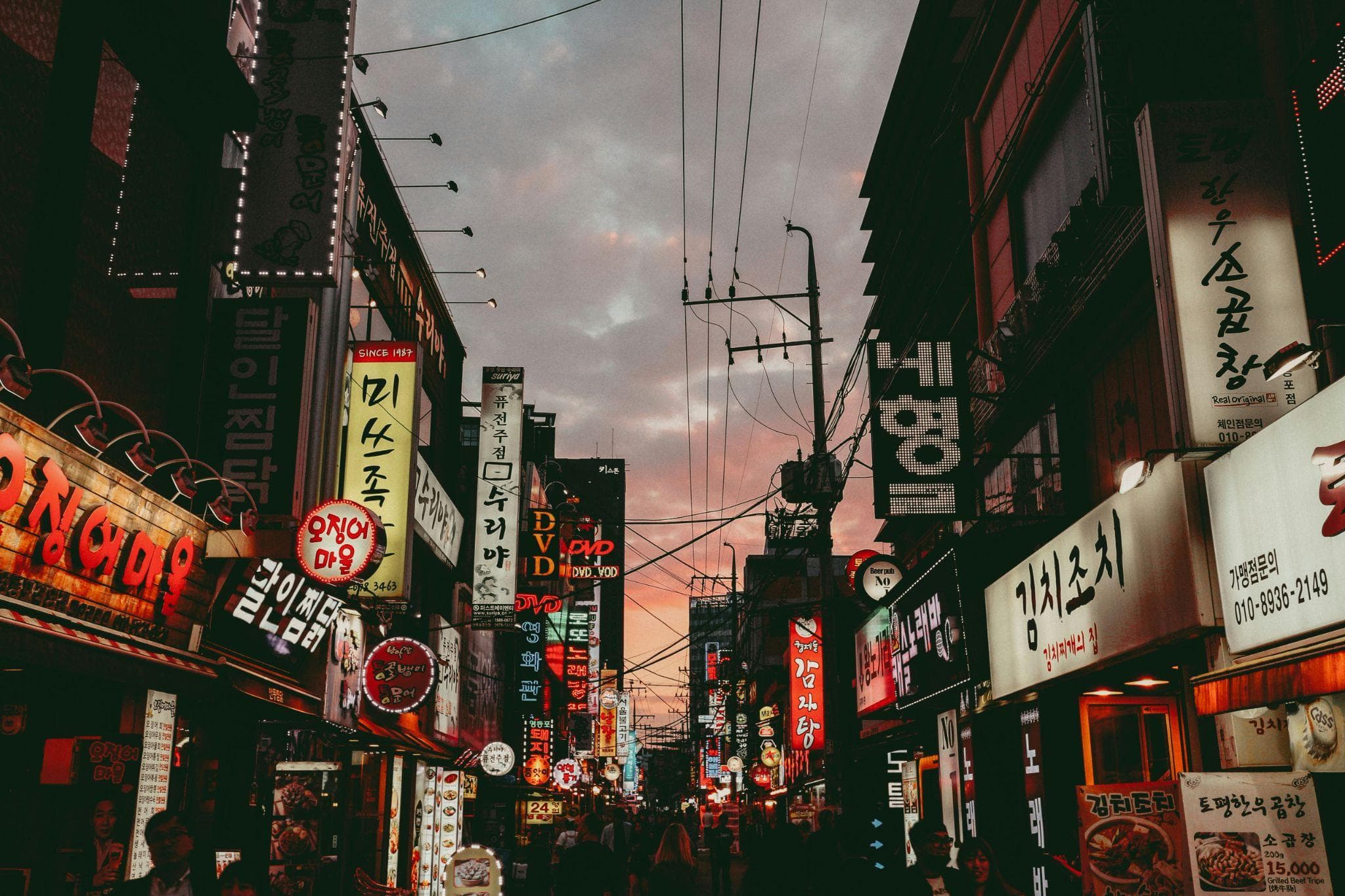
Pocket WiFi vs eSIM vs SIM in South Korea (2026): Which Is Best for Travelers?
Get trifa and enjoy internet connectivity wherever you go
Only 3 minutes for setup!Get trifa App for FREE!

CHAT BOT
Ask for inquiries about use
Choosing how to stay online in South Korea isn't a one-size-fits-all decision. A rented Pocket WiFi works well for families and groups, a physical SIM card is the right call for long stays and travelers who need a Korean phone number, and an eSIM is almost always the cleanest option for solo travelers with a modern smartphone. This guide compares Pocket WiFi, physical SIM cards, and eSIMs for travel in South Korea side by side — with current USD pricing (and approximate AUD and GBP), pickup logistics at Incheon, Gimpo, and Gimhae airports, device compatibility for eSIM, and decision shortcuts by travel style. By the end you'll know which option fits your trip, whether you're flying in for a weekend in Seoul or settling in for a month in Busan. Last updated: 2026-06-15
Table of Contents
Pocket WiFi vs eSIM vs SIM Card in South Korea: At-a-Glance Comparison Table

For most travelers heading to South Korea, the choice of mobile data comes down to three options: a rented Pocket WiFi device, a physical SIM card from a Korean carrier, or an eSIM downloaded to your phone before you fly. Each one fits a different travel style, and the differences are not always obvious until you're standing at the arrivals hall trying to decide.
This guide compares all three options side by side, with current pricing in USD (and approximate AUD and GBP), pickup logistics, device compatibility, and the situations where each one wins. Use the table below as a quick reference, then read the dedicated sections for the option that fits your trip.
Quick comparison: Pocket WiFi vs SIM vs eSIM
Feature | Pocket WiFi | Physical SIM | eSIM |
Typical 5-day cost (USD) | $20 – $55 | $25 – $50 | $9 – $25 |
Devices supported | Up to 5 simultaneous | 1 | 1 (sharable via personal hotspot) |
Hotspot / tethering | Built-in (it is the hotspot) | Yes, via phone | Plan-dependent |
Korean 010 phone number | No | Available on some plans | Usually no |
Pickup | Airport counter or hotel delivery | Airport counter or pre-order online | QR code emailed before you fly |
Coverage | SKT, KT, or LG U+ network | SKT, KT, or LG U+ network | SKT, KT, or LG U+ network |
Deposit | Credit card hold (varies by provider) | None | None |
Best for | Families, groups, multi-device users | Long stays, need a Korean number | Solo travelers with a compatible phone |
Last updated: 2026-06-15
Pocket WiFi in South Korea: Pros and Cons
A Pocket WiFi (also called a Wi-Fi egg, MiFi, or portable hotspot) is a small battery-powered router that connects to a Korean carrier's network and broadcasts a private Wi-Fi signal. You pick it up on arrival at the airport, carry it with you during the day, and return it before you fly home.
Pros
- Share one connection across multiple devices. Most Pocket WiFi units support up to 5 devices at once, so couples, families, and small groups can all share a single data plan.
- No phone compatibility check needed. Unlike eSIM, there is nothing to verify on your phone. Any device that can connect to Wi-Fi works.
- Predictable daily cost for groups. Pocket WiFi providers price by the day, not by gigabyte. Splitting a $7-per-day unlimited plan across three travelers works out to around $2.30 per person per day.
- Pickup at major Korean airports. Counters at Incheon (ICN), Gimpo (GMP), and Gimhae (PUS) make it easy to collect the device the moment you land.
Cons
- One more device to carry and charge. The router is about the size of a deck of cards, but you have to remember to take it with you when you leave the hotel and recharge it overnight.
- Battery life of 6 to 10 hours. Heavy navigation or video streaming drains the battery faster, so a power bank is essentially mandatory for full-day sightseeing.
- Deposit and damage fees. Most counters place a credit card hold for the device. The exact amount varies by provider, but losing or damaging the unit can trigger a replacement fee of several tens to a few hundred US dollars. Debit cards and prepaid cards are typically not accepted for the deposit.
- Single point of failure for the group. If you forget the router in the hotel room or its battery dies, the whole group loses connectivity at the same time.
Where to pick up Pocket WiFi in Korea
Counters operated by KT, SK Telecom, LG U+, and third-party rental brands (Trazy, Klook, WifiDosirak, KKday partners) are located in the arrivals halls of the three main international airports:
- Incheon International Airport (ICN) — the primary gateway to Seoul. Counters in both Terminal 1 and Terminal 2 arrival areas, generally open from early morning to late evening.
- Gimpo International Airport (GMP) — a smaller Seoul-area airport. Counters in the international arrivals hall.
- Gimhae International Airport (PUS) — the gateway to Busan, with similar arrivals-hall counters serving travelers headed to the south.
Some operators will also deliver a Pocket WiFi to your hotel before arrival, which is handy if your flight lands late at night when airport counters are closed.
Physical SIM Card in South Korea: Pros and Cons
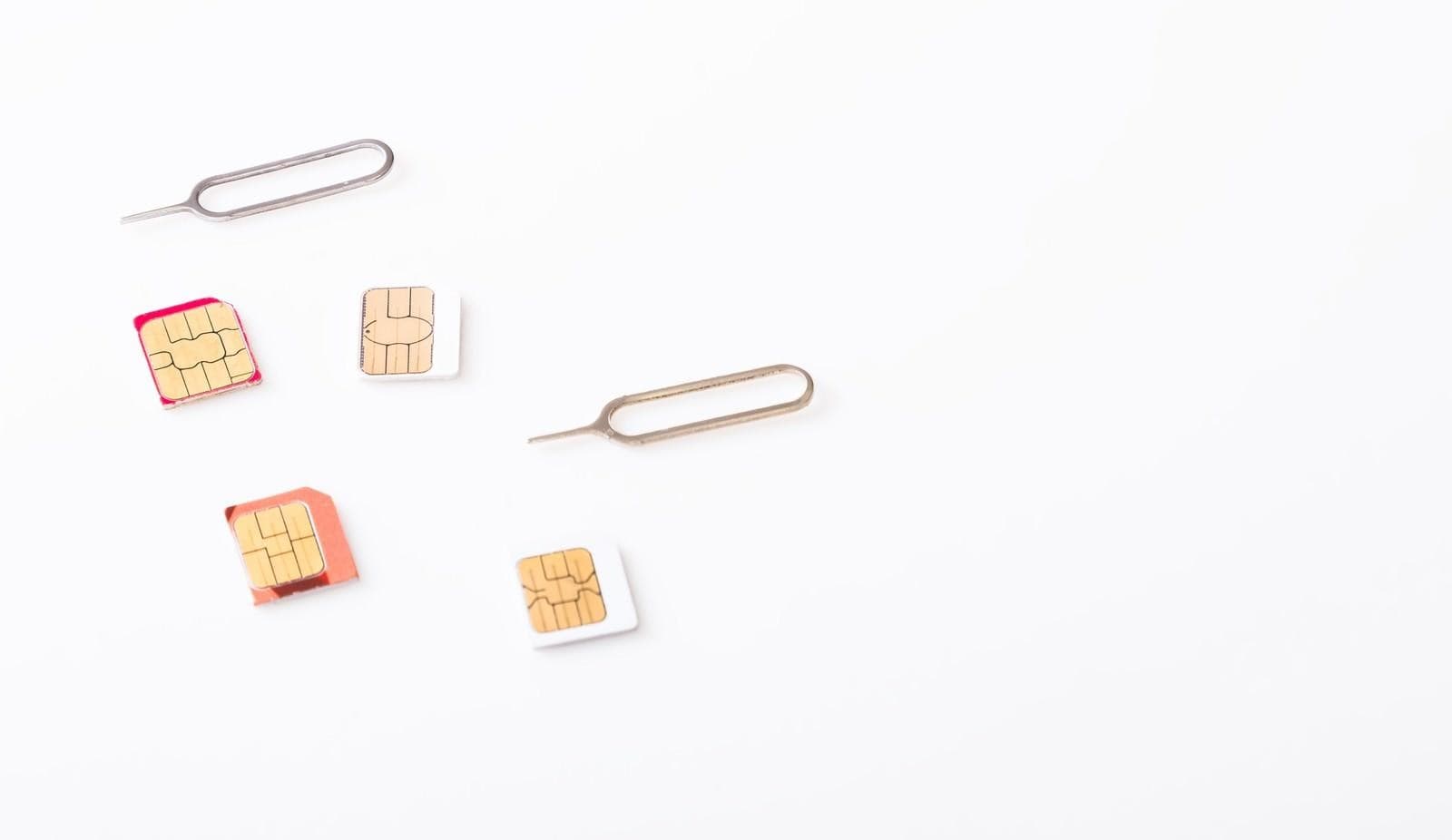
A physical SIM card from KT, SK Telecom, or LG U+ replaces your home carrier's SIM in your phone. You insert it on arrival (or order it online for airport pickup) and you're on a Korean network for the duration of your stay.
Pros
- Korean 010 phone number on some plans. A small but important group of Korean services — banking apps, food delivery (Coupang Eats, Baemin), and identity-verified KakaoTalk accounts — work best with a Korean phone number for SMS-based authentication. A SIM with voice/SMS is the simplest way to get one.
- Strong network coverage. Whichever of the three carriers your SIM connects to, you get the same 5G/LTE coverage that locals use — about 99%+ population coverage on 4G and broad 5G coverage in major cities.
- Available at major airports. KT, SK Telecom, and LG U+ all have booths in the arrival halls at Incheon Terminals 1 and 2, with similar counters at Gimpo and Gimhae.
- Works in older phones without eSIM. If your handset doesn't support eSIM, a physical SIM is the only mobile-data option short of Pocket WiFi.
Cons
- You lose access to your home number. Once you swap SIMs, calls and SMS to your home number stop arriving (unless you have a dual-SIM phone). Two-factor authentication codes from your bank back home can become a real problem.
- Pre-purchase from outside Korea is harder. Marketplaces like Klook, Trazy, and 12Go let you reserve a physical SIM before flying, but you still need to collect it at the airport counter. Cross-border physical shipment is uncommon and slow.
- Higher cost than eSIM for short trips. A 30-day unlimited prepaid plan from KT or SK Telecom at Incheon typically runs around 70,000 KRW (roughly $50). Shorter durations are available but the per-day cost is generally higher than equivalent eSIM plans.
- You can lose a tiny physical card. Carrying around the original home SIM in a paper envelope is easy to misplace.
Why eSIM Is the Smart Choice for Korea: 4 Key Reasons
For most travelers with a recent smartphone, an eSIM is the cleanest way to stay connected in South Korea. Here are the four reasons it beats both Pocket WiFi and a physical SIM for solo travelers and most short-stay scenarios.
1. Activate online, ready the moment you land
An eSIM is provisioned digitally. You buy a plan from a provider like Trifa, Airalo, Holafly, or Saily, install the profile to your phone over Wi-Fi at home, and the plan activates the first time your phone connects to a Korean carrier on arrival. Typical setup takes 5 to 10 minutes. There is no airport counter to queue at and no tiny tray pin to fish out.
2. No SIM swap, so your home number stays active
Almost every modern eSIM-capable phone supports dual-SIM operation — your home physical SIM (or eSIM) keeps receiving calls, SMS, and two-factor authentication codes, while the Korea travel eSIM handles mobile data. You don't have to keep track of a tiny SIM card in a paper envelope.
3. Nothing physical to lose or damage
An eSIM lives in software. There is no chip to drop on the subway, no tray to bend, and no card to misplace during a transit through Incheon. If you do switch phones mid-trip, most providers let you reissue the eSIM to a new device through their app.
4. Dual-SIM operation for split use cases
If you're a US, UK, or Australian traveler, you can keep your home line on for calls and SMS while running data exclusively through the Korean eSIM. Need to receive a verification SMS from your bank back home? It still arrives. Want to use Apple Maps or Naver Map on Korean data? It still works. This is genuinely useful for business travelers and longer trips.
eSIM Device Compatibility & Tethering for Korea
The catch with eSIM is that not every phone supports it. Before you buy a Korea eSIM, confirm three things: your phone is eSIM-compatible, it isn't carrier-locked, and your plan permits tethering if you need to share data with a laptop or tablet.
Which phones support eSIM
Brand | Minimum eSIM-compatible model | Notes |
Apple iPhone | iPhone XR / XS (2018) and later | Phones purchased in mainland China, Hong Kong, or Macau may not include eSIM hardware. |
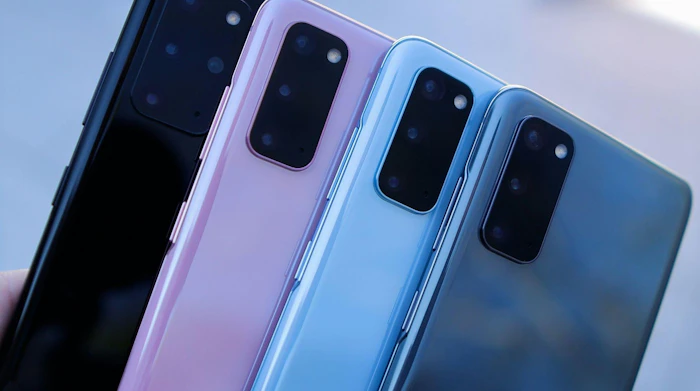
Samsung Galaxy | Galaxy S20 series and later | Some US-carrier-branded Samsung phones may have eSIM disabled. Check with the carrier. |
Google Pixel | Pixel 3 and later | Excludes Pixels sold in Australia, Taiwan, or Japan. Carrier-locked US Pixels (other than Google Fi) may not support eSIM. |
Always check your specific model on the manufacturer's official support page before you fly. Confirming compatibility takes two minutes and saves a stressful arrivals-hall scramble.
Carrier lock and APN settings
If your phone was bought directly from a US carrier (Verizon, T-Mobile, AT&T), there is a chance it was shipped locked. Call your carrier or check Settings > General > About on iPhone (or Status under Settings on Android) before you board. Unlocking is usually free if your account is in good standing.
Once the eSIM is active in Korea, you may also need to enable data roaming in your phone's mobile data settings. Most travel eSIMs technically operate over international roaming agreements, so the toggle must be on for the eSIM to deliver data.
Tethering limits
Many travel eSIM plans permit personal hotspot use, but the rules vary by provider. Unlimited plans sometimes throttle hotspot speeds after a daily cap; capacity-based plans count tethered data against your overall allowance. If you plan to work from a laptop, look for a plan that explicitly states tethering is included and confirm whether there is a daily hotspot cap.
Korea Network Speeds & Coverage: SKT, KT, and LG U+
South Korea has three nationwide mobile carriers — SK Telecom (SKT), KT, and LG U+. As of 2025, market share split roughly 41% / 24% / 19% respectively, with the rest taken by MVNO sub-brands that lease capacity from those three.
Coverage
- 4G LTE covers 99%+ of the population on all three carriers. You will not encounter LTE dead zones in any major city.
- 5G is broadly available in Seoul, Busan, Incheon, Daegu, Gwangju, Daejeon, and along KTX corridors. LG U+ is frequently cited as having the highest 5G availability of the three.
- Coverage thins out in rural areas — mountain trails, smaller islands away from Jeju, and the DMZ tunnels are common dead zones. Plan offline maps for hikes outside the major cities.
- Subway and KTX stations are well covered, and most trains keep at least an LTE signal as they move between cities.
Speed
Korea is consistently in the top tier of global mobile speed rankings. Recent Speedtest Global Index figures place the country among the fastest 5G markets in Asia, with typical median 5G download speeds around 200 Mbps and significantly higher peaks in central Seoul. For travelers, the practical takeaway is simple: if you're on any of the three networks in a major city, your bottleneck will be the app or website, not the cellular link.
Which carrier does your eSIM use?
Travel eSIM providers (including Trifa, Airalo, Holafly, and Saily) partner with one or more of the three Korean carriers. The provider's product page usually states the underlying network. If you're heading to a specific rural area, it can be worth checking whether your chosen provider uses the carrier with the strongest local coverage. For most travelers in Seoul, Busan, or Jeju, all three are equivalent in practice.
Which Should You Choose? Decision Guide by Travel Style
Match your travel style to the right option using the table below. The "typical cost" column assumes mid-2026 pricing on representative plans.
Recommendation by traveler type
Traveler type | Recommended | Why |
Solo traveler, 3 – 14 days | eSIM | Cheapest, fastest setup, no extra hardware, keeps home number active for SMS. |
Family or group of 2+ | Pocket WiFi | One shared cost across up to 5 devices is cheaper per head than multiple eSIMs. |
Business traveler, 2 – 5 days | eSIM | Home number stays active for client calls; data plan handles maps and email. |
Long stay, 30+ days | Physical SIM (with Korean number) | Needed for KakaoTalk verification, banking apps, and Coupang / Baemin sign-ups. |
Very short trip, 1 – 2 days | Roaming or eSIM | For a single day, a roaming add-on from your home carrier may be simpler. |
Typical trip cost estimates
Trip length | eSIM (USD) | eSIM (AUD)* | eSIM (GBP)* | Pocket WiFi (USD) | Physical SIM (USD) |
3 days, 1 – 3 GB | $5 – $15 | A$8 – A$23 | £4 – £12 | $15 – $35 | $18 – $25 |
7 days, 3 – 10 GB | $10 – $25 | A$15 – A$38 | £8 – £20 | $30 – $70 | $25 – $45 |
15 days, 10 – 20 GB | $18 – $45 | A$28 – A$70 | £14 – £35 | $60 – $150 | $35 – $60 |
*AUD and GBP figures are approximate conversions at typical mid-2026 exchange rates (AUD ≈ 0.65 USD, GBP ≈ 1.27 USD). Always confirm the exact rate at booking time.
International roaming alternative
If you're on a US carrier such as Verizon TravelPass (around $10 per day in 210+ countries including South Korea, with a daily high-speed allowance before throttling) or T-Mobile's international add-ons, your existing plan may already work in South Korea without buying anything extra. UK and Australian carriers offer similar passes. The trade-off is price: roaming add-ons frequently run $10 to $15 per day, so a 5-day trip on TravelPass costs about the same as a 15-day eSIM. Roaming is worth it for trips of 2 to 3 days or for travelers who place a premium on zero setup.
Why Trifa Is a Smart eSIM Choice for South Korea

Trifa is a Japan-headquartered international eSIM service designed for travelers in Asia and beyond. The app supports more than 200 countries and regions worldwide and is downloadable from the App Store and Google Play.
Plans tailored for Korea
For South Korea specifically, Trifa offers data plans across eight capacity tiers — 1GB, 3GB, 5GB, 10GB, 20GB, 30GB, 80GB, and Unlimited — and travel durations from 3 to 60 days. For example, the 3-day, 1GB plan starts at US$1.8 per day; the 7-day, 3GB plan from US$2.0 per day; and the 31-day, 5GB plan from US$0.7 per day. For a 5-day solo trip with moderate maps and messaging use, a 3GB plan typically lands under $15 USD total.
Quick setup in minutes
Trifa uses a fully in-app eSIM activation flow. You install the app before you fly, choose your plan, and the eSIM provisioning happens in the background — typical setup takes around 3 minutes from purchase to active data. On iOS 17.4 and later, a one-tap installation flow removes the need for QR codes entirely. Supported devices include iPhone XR / XS or later (note: phones purchased in mainland China, Hong Kong, or Macau are not supported) and Samsung Galaxy S20 or later, Pixel 3a or later, and other modern Android handsets.
Round-the-clock in-app support
If something goes wrong on the road, Trifa's in-app chat support team is available 24 hours a day, 365 days a year. The team is staffed by Japanese-speaking agents, so English-only travelers may want to use translation tools when reaching out, but response time is fast and the team can usually push a fix or reissue an eSIM within minutes.
Extra peace of mind
- "Trust Cancel" cancellation guarantee. Cancel a plan for any reason before the eSIM is activated and receive a 100% refund (a small protection fee applies). Useful if your travel plans change at the last minute.
- Family accounts. A single account holder can manage and top up eSIMs for up to 7 family members from one dashboard — handy for parents traveling with kids or for groups where one person handles all the logistics.
- Travel insurance add-on. Optional same-app insurance from Tokio Marine & Nichido for trips of 1 day to 3 months, with sign-up in about a minute.
For solo travelers and small groups visiting South Korea, Trifa delivers the simplicity of a modern eSIM with plan tiers fine enough to match a weekend trip or a month-long stay.
Reviewed by Trifa Editorial Team — travel-tech writers covering Asian eSIM markets since 2022.
Frequently Asked Questions
When does my Korea eSIM start counting down?
For most travel eSIM providers, the validity period begins the first time your phone connects to a Korean carrier on the eSIM profile — not when you purchase or install it. That means you can buy and install the eSIM days before your trip without losing any of your travel days. Confirm the exact activation rule on your provider's plan page before purchase.
Do I need a Korean phone number for KakaoTalk or T-money?
You can register a fresh KakaoTalk account using your home country's phone number, and the app will work for messaging and free voice and video calls over data. However, identity-verified features and adding Korean contacts smoothly often work better with a Korean 010 number. Reloadable T-money transit cards from convenience stores typically do not require a phone number to use, so you can ride the subway, bus, or KTX without any Korean SIM. If you plan to register for Korean food delivery or banking apps, a physical SIM with a Korean number is the simplest path.
Will my eSIM work on Jeju Island?
Yes. Jeju Island is fully covered by all three Korean carriers (SKT, KT, and LG U+) including 4G LTE across the island and 5G in major populated areas. Your travel eSIM will roam onto whichever of the three carriers your provider partners with. Coastal trails, the summit of Hallasan, and a handful of small offshore islands are the few places where you may briefly drop to LTE or lose signal.
How do I get the Pocket WiFi deposit refunded?
Most counters place a credit card hold rather than charging the deposit upfront. As long as you return the device on time, in working condition, with the original cable and pouch, the hold is released automatically — usually within a few days, though it can take up to two billing cycles to disappear from your statement. Lost or damaged units trigger a replacement charge against the hold. Always read the deposit terms in the rental contract before signing.
How do I switch back to my home SIM after the trip?
For eSIM users, you simply turn off the Korea eSIM in Settings > Mobile Data (iPhone) or Settings > Connections > SIM Manager (Android) and your home SIM resumes as the active line. You can leave the Korea eSIM installed for future trips or delete it. For physical SIM users, swap the Korean SIM back to its original carrier card on the flight home or once you land. Keep the Korean SIM and the SIM tray pin safe in case you return.
Can I get a signal on the KTX and the Seoul subway?
Yes. The Seoul Metro is fully covered for 4G LTE and increasingly for 5G, including underground stations and most tunnels. KTX high-speed trains keep a strong cellular signal throughout the route, though you may notice brief drops when entering long tunnels. Travel eSIMs, physical SIMs, and Pocket WiFi all work in these environments.
Whichever option fits your trip, decide before you fly. Activation on home Wi-Fi is far less stressful than queueing at an arrivals counter after a long-haul flight. Safe travels.
.jpeg&w=3840&q=75)
Get trifa and enjoy internet connectivity wherever you go
Only 3 minutes for setup!Get trifa App for FREE!
CHAT BOT
Ask for inquiries about use


Writer
trifa Editorial Team (Overseas eSIM & Connectivity)
To help reduce connectivity issues during overseas travel, we share easy-to-understand guidance on choosing and setting up overseas eSIMs (iPhone/Android), switching networks while traveling across multiple countries, and whether tethering/hotspot is supported—based on insights gained while providing the eSIM app “trifa” (including common setup stumbling points and support inquiry trends). For information that changes frequently—such as pricing, supported countries, and usage conditions—we check the latest updates on official websites and from operators, and we revise articles when changes occur.
Search by Category
Popular Articles
POPULAR ARTICLES
01
 Overseas Internet
eSIM is recommended for international travel! Here are 7 advantages in a nutshell.
2024.01.07
02
%2520(1).jpg&w=3840&q=75) Overseas Internet
Overseas InternetWhat are the 6 ways to use a Japanese smartphone/cell phone overseas?
2024.02.06
03
%2520(1).jpg&w=3840&q=75) Overseas Travel Essentials
Overseas Travel EssentialsAre you ready for a trip to Korea? Checklist of things to bring and essentials
2024.02.07
Related Articles
RELATED ARTICLES
Get trifa and enjoy internet connectivity wherever you go
Only 3 minutes for setup!Get trifa App for FREE!
CHAT BOT
Ask for inquiries about use